

Simplify your WordPress workflow!
Build faster, cleaner, and more reliable WordPress websites using lightweight plugins designed for real-world workflows.
Get started now
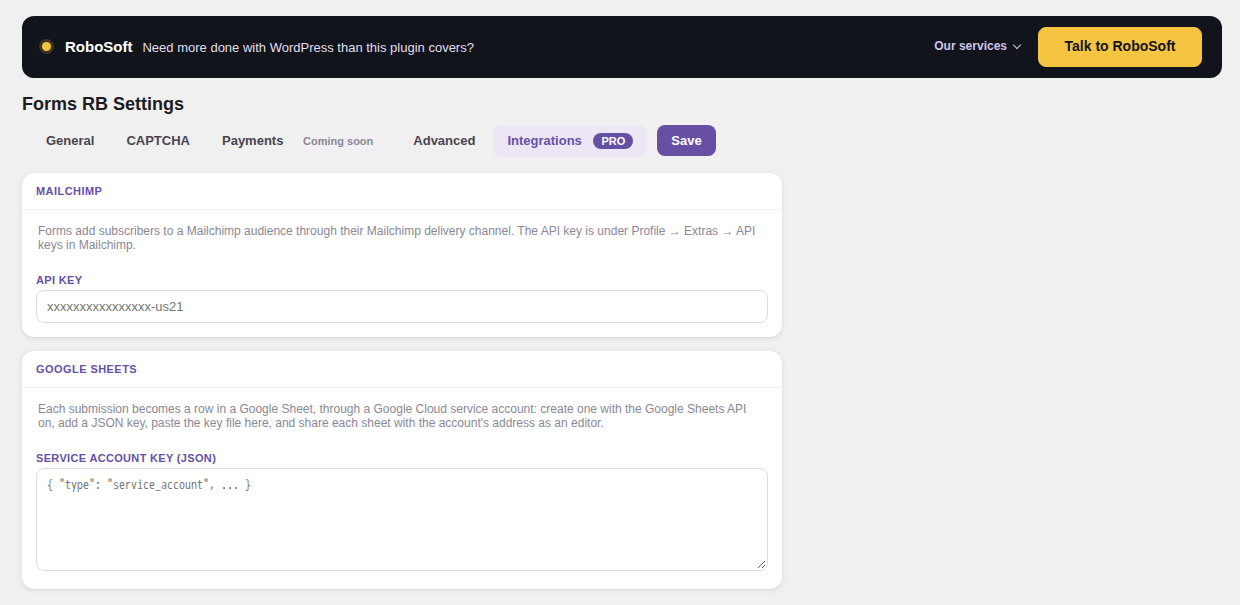
With the PRO key, Mailchimp and Google Sheets are two more delivery channels. Connect the account once in RB Forms → Settings → Integrations, then turn the channel on in each form that needs it.
Turn on Mailchimp in the form’s Delivery tab:
An existing subscriber is updated, not added twice.
Sheets connects through a Google service account, a robot account of your own, so there is no OAuth app to set up.
The screen shows the connected account’s address.
Sheet1.Each submission becomes a new row with the date, the submission’s number and the answers. An empty sheet gets a header row first, from the field labels.
Whatever a visitor typed goes in as plain text and is never treated as a formula.
If you add fields to a form later, new rows follow the new order of fields, so check the columns of an existing sheet.
Both channels follow the rules of the others: they are tried up to three times, and the submission shows the outcome. See When sending fails.
Build faster, cleaner, and more reliable WordPress websites using lightweight plugins designed for real-world workflows.
Get started now