

Simplify your WordPress workflow!
Build faster, cleaner, and more reliable WordPress websites using lightweight plugins designed for real-world workflows.
Get started now
RB Links Redirection sends old and broken addresses of your WordPress site to the right page: redirects with simple rules or regular expressions, a 404 log with one-click fixes, and automatic redirects when a post’s address changes. This guide gets you to your first redirect in a minute.
The plugin works at once: the 404 log and automatic redirects are on by default. Its screen is RB Plugins → Redirection.
/old-pricing/pricing, or find a post or page by its titleVisitors of /old-pricing now land on the new page with a 301, and search engines move its ranking there. Type the old address in Test an address to check.
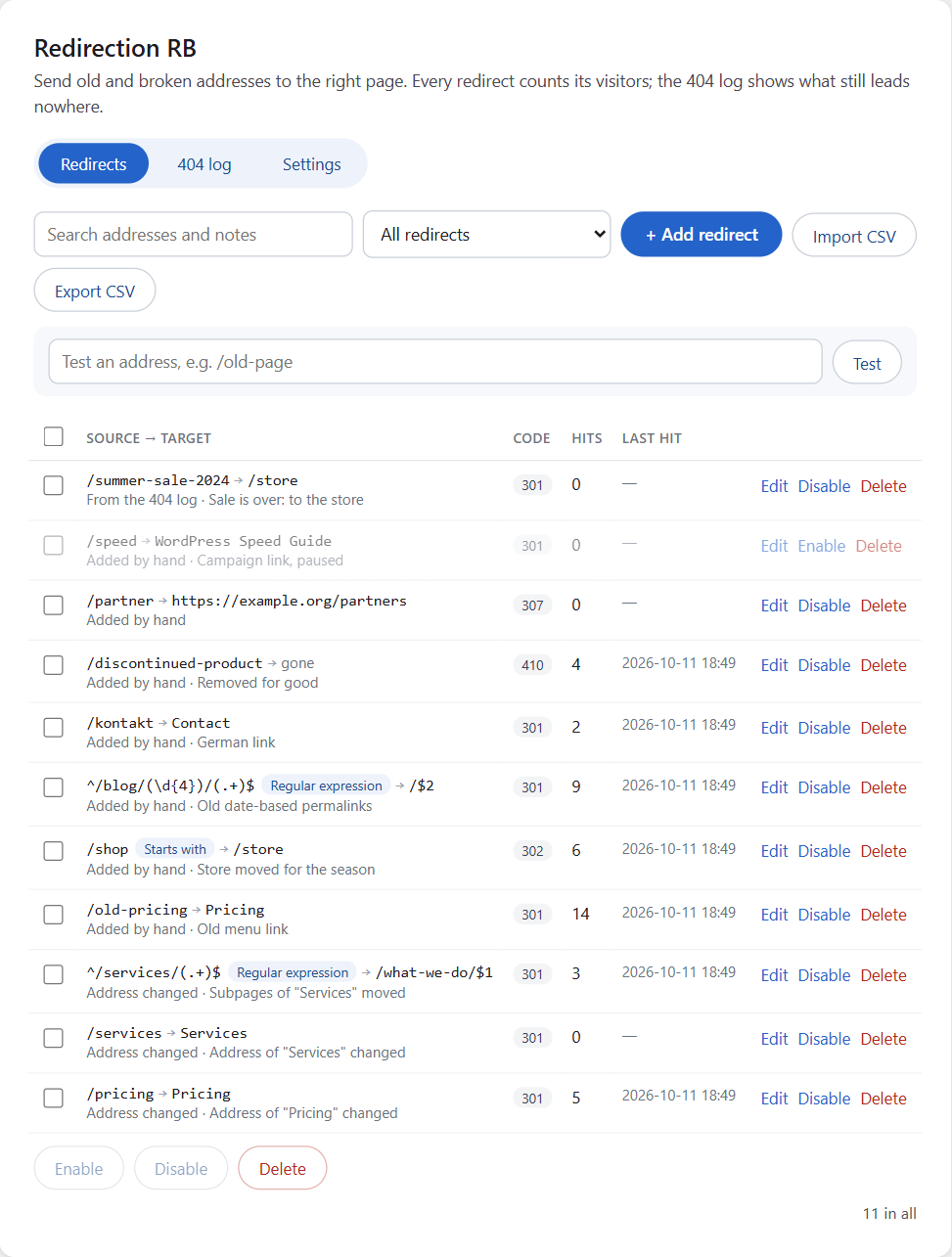
The Help card on the right has hints, answers to common questions and links to this documentation.
Build faster, cleaner, and more reliable WordPress websites using lightweight plugins designed for real-world workflows.
Get started now