

Simplify your WordPress workflow!
Build faster, cleaner, and more reliable WordPress websites using lightweight plugins designed for real-world workflows.
Get started now
A feed is a gallery item like a photo, but it stands for the posts of a social account. In the editor it is one tile; on the site its latest posts appear at its place, among your own photos, and open in the same lightbox. New posts show up by themselves.
| Source | What it shows | Edition |
|---|---|---|
| YouTube | a channel’s videos, a playlist, or search results | Free |
| RSS / Atom | any feed with pictures — a blog, a news site, a shop | Free |
| posts of a business or creator account, with carousels and reels | PRO | |
| Vimeo | a user’s videos, a showcase or a channel | PRO |
| Flickr | a user’s photos, an album, a group pool, or a search | PRO |
| Unsplash | a search, a photographer’s photos or a collection | PRO |
| Dribbble | your own shots | PRO |
| Twitch | a channel’s videos (past broadcasts, highlights, uploads) or clips | PRO |
X and Google Photos are coming.
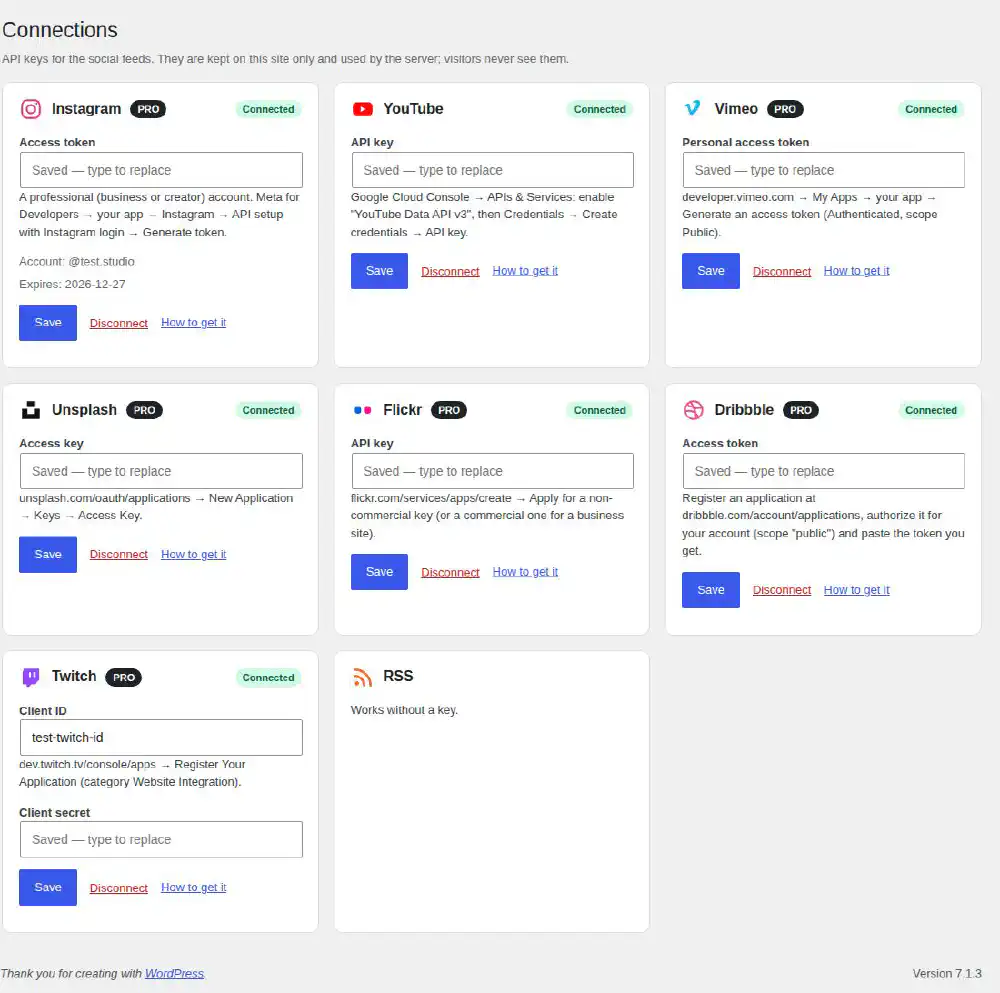
Most services need a key first. Open Photo Gallery → Connections, find the service, paste the key and click Save. The key is checked at once: Connected means it works. How to get it explains where the key is made:
| Service | What to paste | Where to get it |
|---|---|---|
| YouTube | API key | Google Cloud Console → APIs & Services: enable YouTube Data API v3, then Credentials → Create credentials → API key |
| RSS | — | works without a key |
| Access token | Meta for Developers → your app → Instagram → API setup with Instagram login → Generate token | |
| Vimeo | Personal access token | developer.vimeo.com → My Apps → your app → Generate an access token (Authenticated, scope Public) |
| Flickr | API key | flickr.com/services/apps/create → Apply for a non-commercial key (or a commercial one for a business site) |
| Unsplash | Access key | unsplash.com/oauth/applications → New Application → Keys → Access Key |
| Dribbble | Access token | dribbble.com/account/applications → register an application, authorize it for your account (scope “public”) |
| Twitch | Client ID and Client secret | dev.twitch.tv/console/apps → Register Your Application (category Website Integration) |
Keys are kept on your site only and used by the server: visitors never see them, and a saved key is never shown again — type over it to replace it, or click Disconnect.
An Instagram token lasts 60 days; a daily job of Photo Gallery RB renews it well before it runs out, as long as the site is visited.
@handle, its link or UC… id), a Flickr album link or an RSS address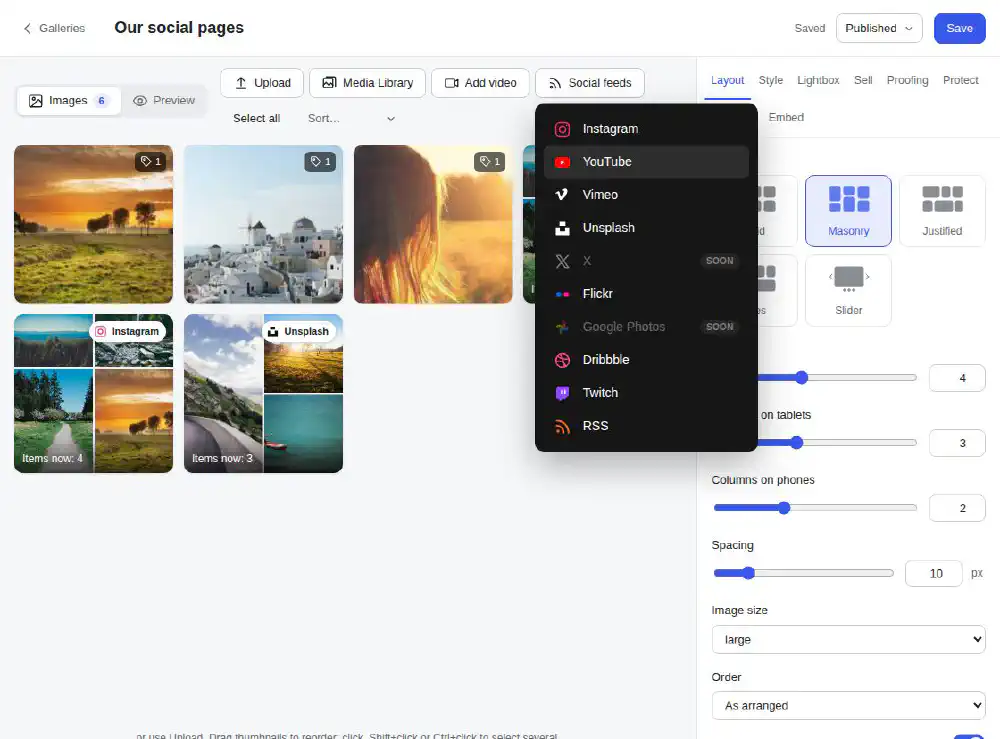
The feed’s settings:
| Setting | Meaning |
|---|---|
| How many | 1–100 latest posts |
| Check for new posts | every 15 minutes, every hour, every 6 hours or once a day |
| Tag for filters | the posts get this tag, so a filter button can show only them; empty — no tag |
The tile shows how many posts the feed has now. Refresh now loads them at once instead of waiting.
A gallery can hold several feeds, and a gallery can be only feeds: e.g. Instagram, YouTube and Dribbble together, with a filter button for each.
The posts are kept on your site between checks, so a feed does not slow the page down. If the service does not answer or the key stops working, the gallery keeps showing the last posts that loaded, and the editor says so: Showing the last items that loaded.
Developers can add any other service — see For developers.
Build faster, cleaner, and more reliable WordPress websites using lightweight plugins designed for real-world workflows.
Get started now